
More Than Just Games: What is in the November 2026 Pack?
Xbox Game Pass Ultimate is a great deal. Most people subscribe for the massive library of titles. But do not ignore the perks. Every month, Microsoft packages free DLC, trial subscriptions, and in-game cosmetics for its top-tier members. This November is no different.
If you pay for the Ultimate tier, you have a fresh batch of digital codes waiting for you. This month features a mix of multiplayer add-ons and partner subscriptions. Here is a breakdown of what you can claim right now and exactly how to get them onto your account.
The Standout Perks for This Month
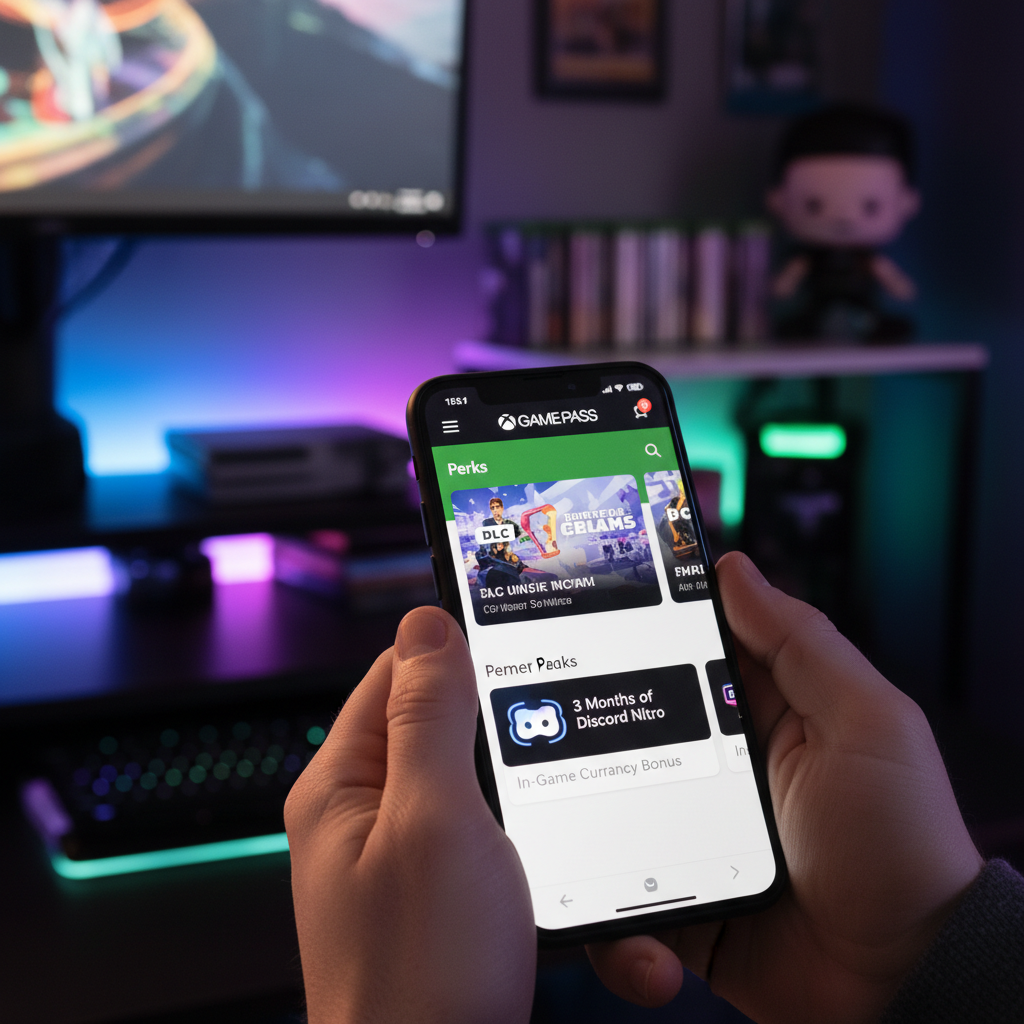
The November lineup focuses heavily on competitive multiplayer rewards and a popular social platform perk. First up is Discord Nitro. Microsoft is offering three months of the premium service for free. It is a recurring favorite, but there is a catch. The code only works for users who have not subscribed to Nitro within the past year. If you qualify, you get custom emojis, larger file uploads, and HD video streaming capabilities.
For sports fans, the EA Sports FC 27 Ultimate Team Draft Pack is a major highlight. It grants you one Draft Token and a selection of gold rare players to bolster your squad. If you are grind-focused, this saves you a decent chunk of in-game coins.
Sea of Thieves players can grab the Obsidian Weapon Pack. It includes the sleek Obsidian Cutlass and a bundle of 10,000 gold. It is a nice aesthetic upgrade for sailing the high seas. Additionally, Overwatch 2 players get a direct boost with the Cyberpunk Kiriko skin bundle, which normally costs real money in the in-game shop.
How to Redeem Your Perks on an Xbox Console
Claiming these items directly from your Xbox Series X|S or Xbox One is the quickest method. Follow these quick steps to get started:
- Turn on your console and sign into your active Xbox Game Pass Ultimate account.
- Press the Xbox button on your controller to open the guide.
- Navigate to the Home screen and select the Game Pass hub icon.
- Scroll down to the ‘Perks’ tab and click it.
- Browse the available rewards. Click on the one you want to claim.
- Select ‘Claim’ to reveal your unique code, then click ‘Redeem Code’ to apply it to your account instantly.
Redeeming via the PC Xbox App
If you prefer playing on a rig, you can claim everything without touching a controller. Open the Xbox App on your Windows 10 or 11 PC. Look at the left-hand sidebar and click on the ‘Game Pass’ tab. Near the top of this page, you will see a button labeled ‘Perks.’ Clicking this opens the full gallery of active offers. Choose your desired reward and click the green claim button. The app will generate a digital code and redirect you to the Microsoft redeem page with the code already filled in. Just hit confirm.
Using the Mobile App on the Go
You do not need to be near your gaming setup to secure these deals. The Xbox Game Pass app for iOS and Android lets you do it from your phone. Open the app and log in. Tap your profile icon in the bottom center of the navigation bar. Under your profile, you will find the ‘Perks’ section. Tap it, select your reward, and hit ‘Claim.’ You can copy the code to your phone’s clipboard or redeem it immediately via the mobile browser link provided.
Don’t Wait: Watch the Expiration Dates
These offers do not last forever. Each perk has a strict claim window, which typically closes at the end of the calendar month. For the November 2026 batch, you must claim the codes from your dashboard by November 30. However, once you generate the code, you usually have until mid-December to redeem it on the Microsoft Store. It is best to redeem them immediately to avoid missing out. Keep in mind that trial offers like Discord Nitro require a valid credit card and will auto-renew at the standard rate once the three months end. Remember to cancel the subscription early if you do not want to be billed.